Hello and Welcome to Gettech tutorial section.
On this page you will beable to learn abit of DIY for IdealPOS, things such as editing you POS screen, adding stock items and how to create, edit and format your POS grid screens.
The Videos are listed in order of how you would setup IdealPOS from a new blank database.
It is advised that if you have no experiance at all with IdealPOS you watch all videos from top to bottom.
If you have any questions on the videos please Contact Us or phone us on 0800 438 767.
Sales Categories & Departments
In the tutorial below we will show you how to create Sales categories and departments in your POS database.
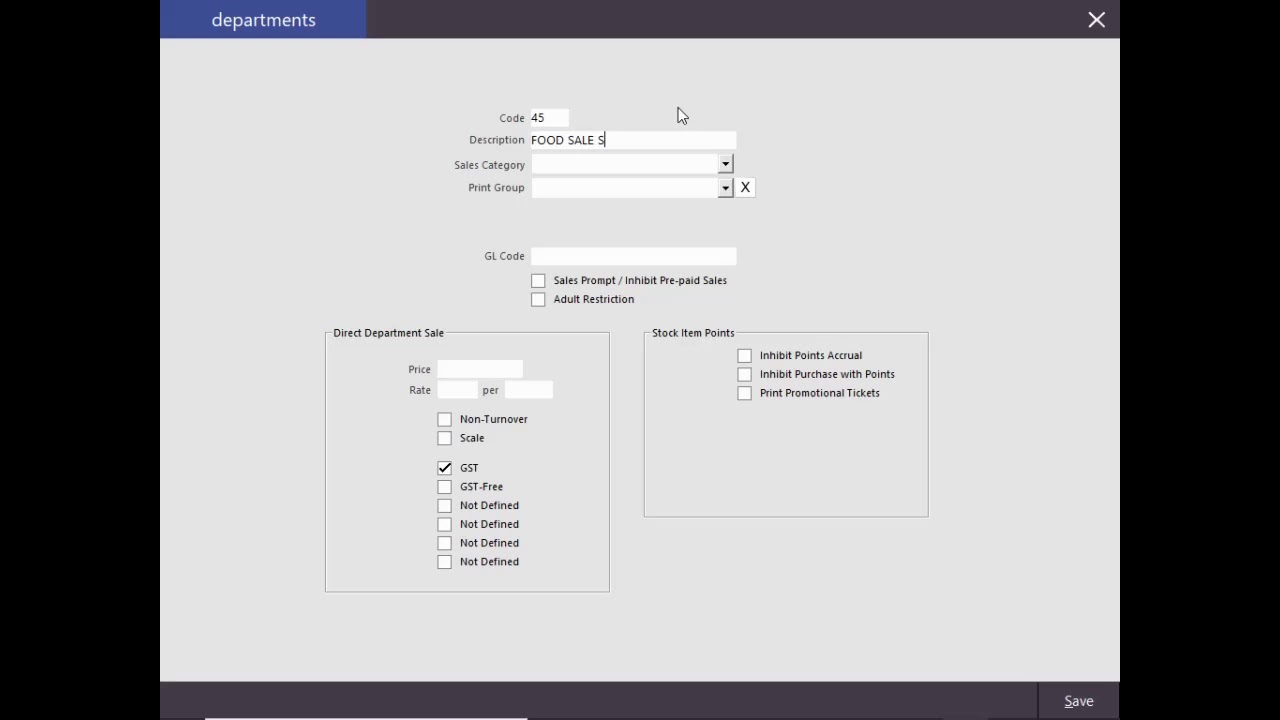
Backing up your POS screen layout.
In the tutorial below we will show you how to backup your POS screen layout.
It is vital before you start to edit your POS screen layout todo a backup as everychange you make to you POS layout is intantly saved!!! If you make a mistake there is no back button.
It is vital before you start to edit your POS screen layout todo a backup as everychange you make to you POS layout is intantly saved!!! If you make a mistake there is no back button.
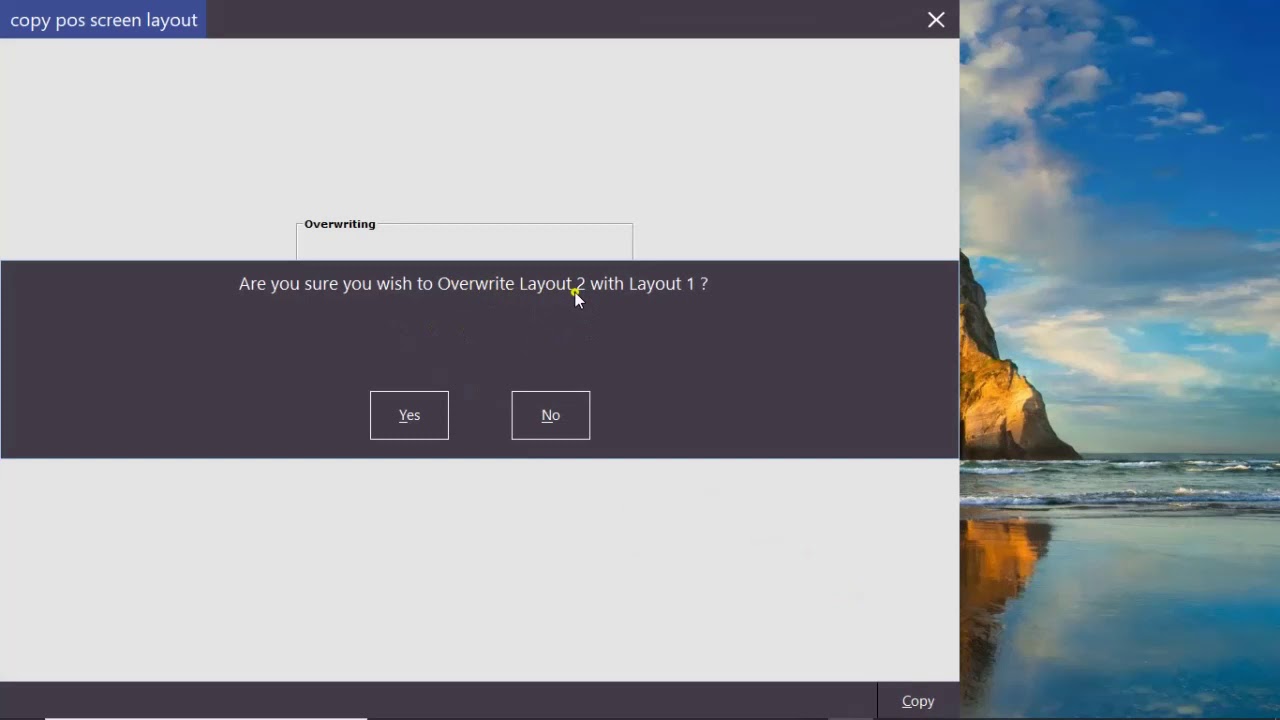
Adding Stock items
In the tutorial below we will show you how to add a stock item to your database.
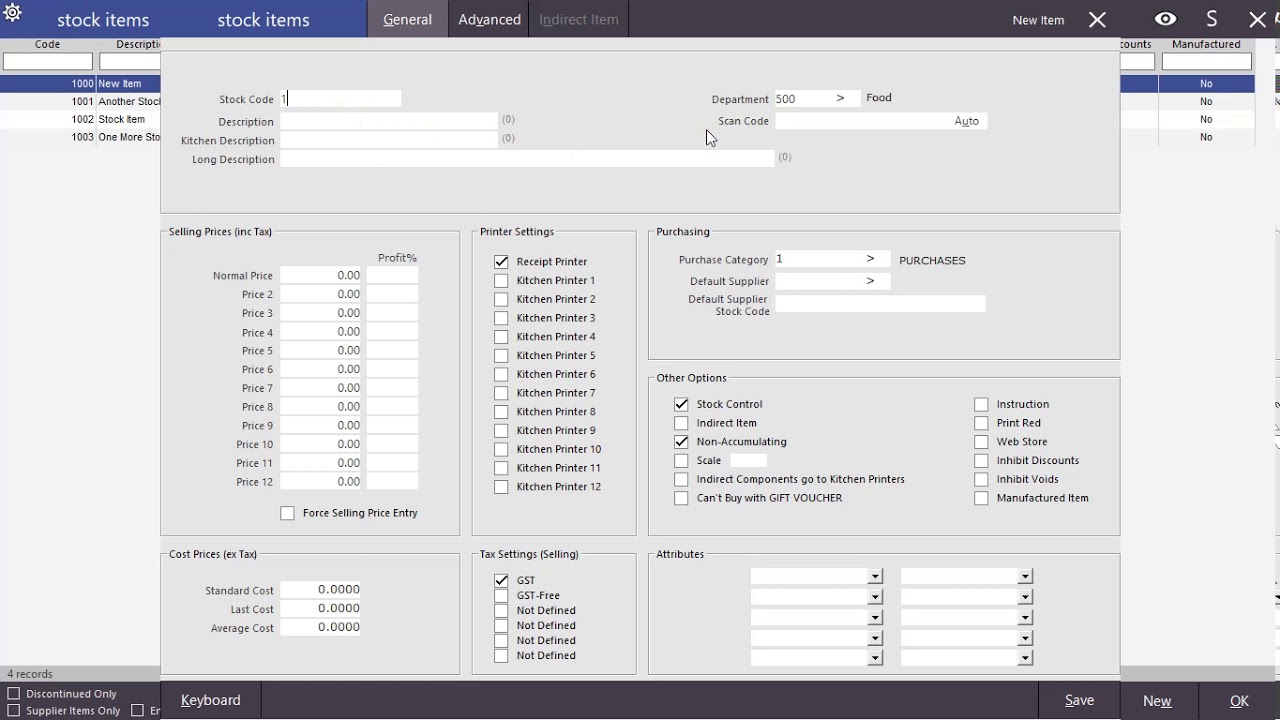
How to add stock items to your POS grid screen
In the tutorial below we will show you how to add buttons to your POS grid screen.
As always please remember to make a backup of your POS grid screen before you start editing it.
As always please remember to make a backup of your POS grid screen before you start editing it.
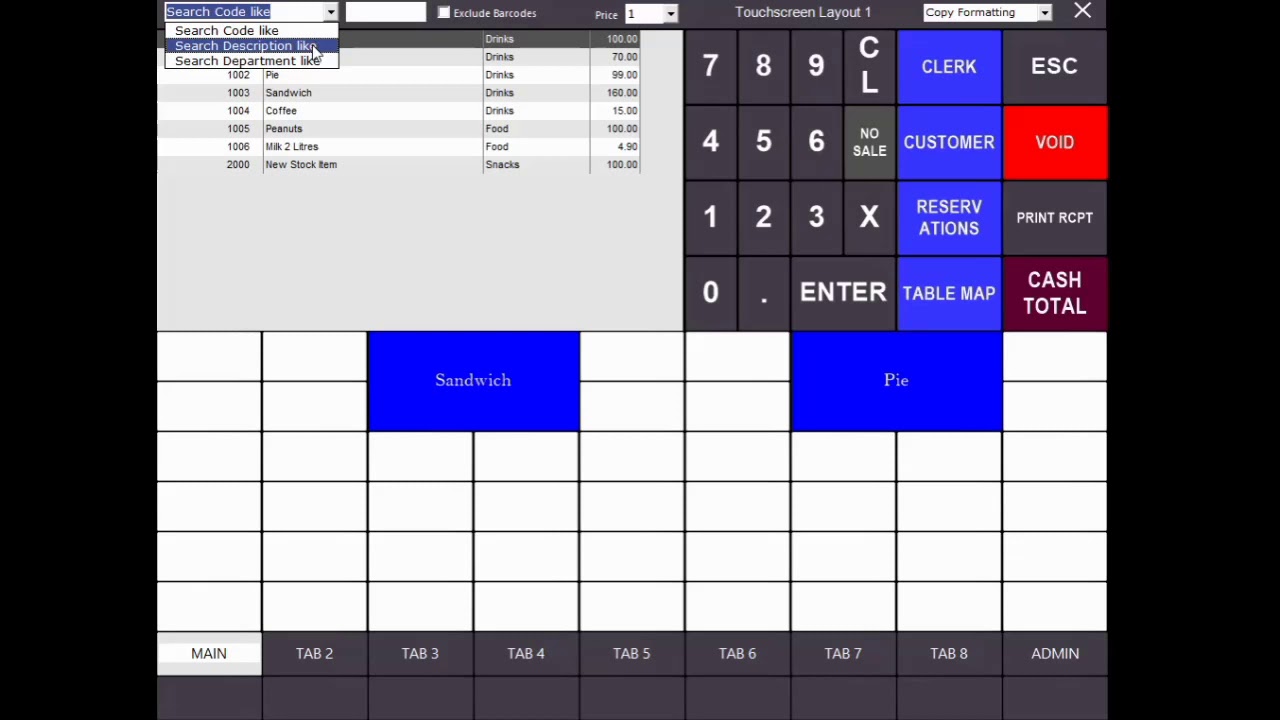
How to change the look/format of your buttons
In the tutorial below we will show you how to edit the format of the buttons on your POS screen layout.
As always please remember to make a backup of your POS grid screen before you start editing it.
As always please remember to make a backup of your POS grid screen before you start editing it.
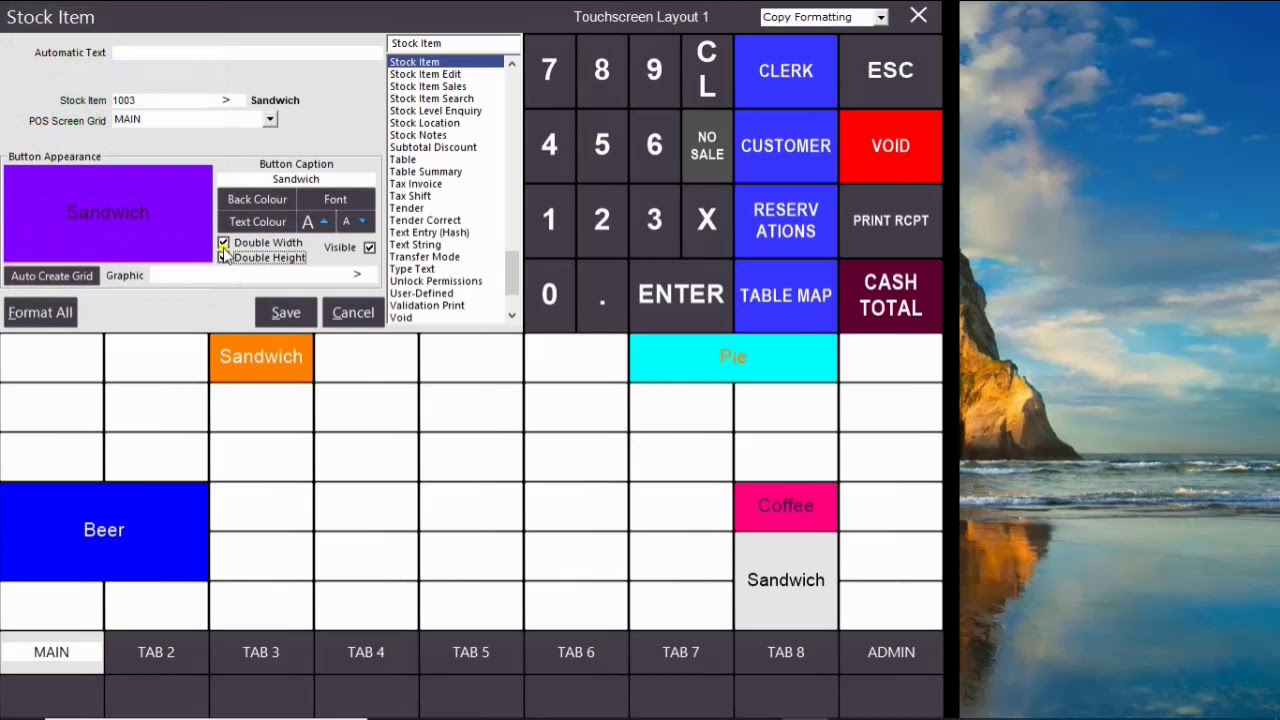
Advanced formatting options for your buttons and setting up tabs.
In the tutorial below we will show advanced options for editing the layout of your POS screen buttons and how to setup diffrent grid screen tabs.
As always please remember to make a backup of your POS grid screen before you start editing it.
As always please remember to make a backup of your POS grid screen before you start editing it.
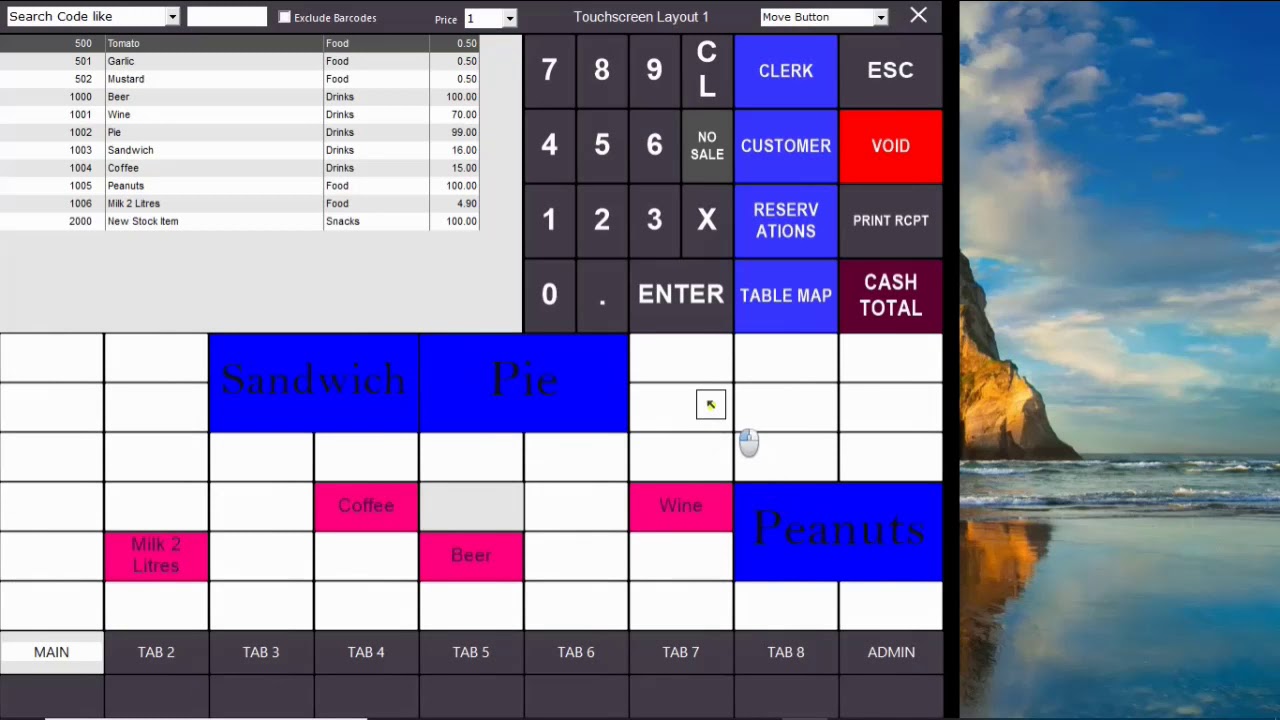
How to create a grid screen for your POS
In the tutorial below we will show you how to add a fixed and floating grid screen to your POS system.
As always please remember to make a backup of your POS grid screen before you start editing it.
As always please remember to make a backup of your POS grid screen before you start editing it.
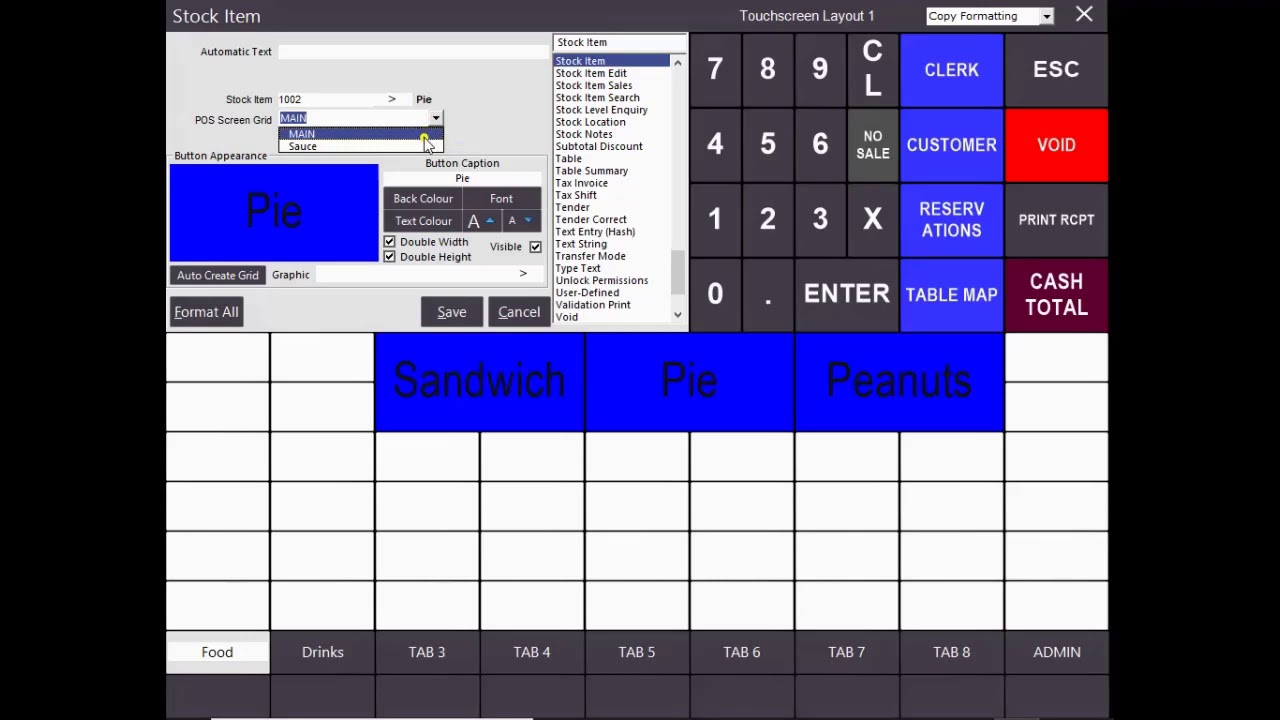
How to create a promotion on your POS system.
In the tutorial below we will show you how to add a promotion to your IdealPOS system.
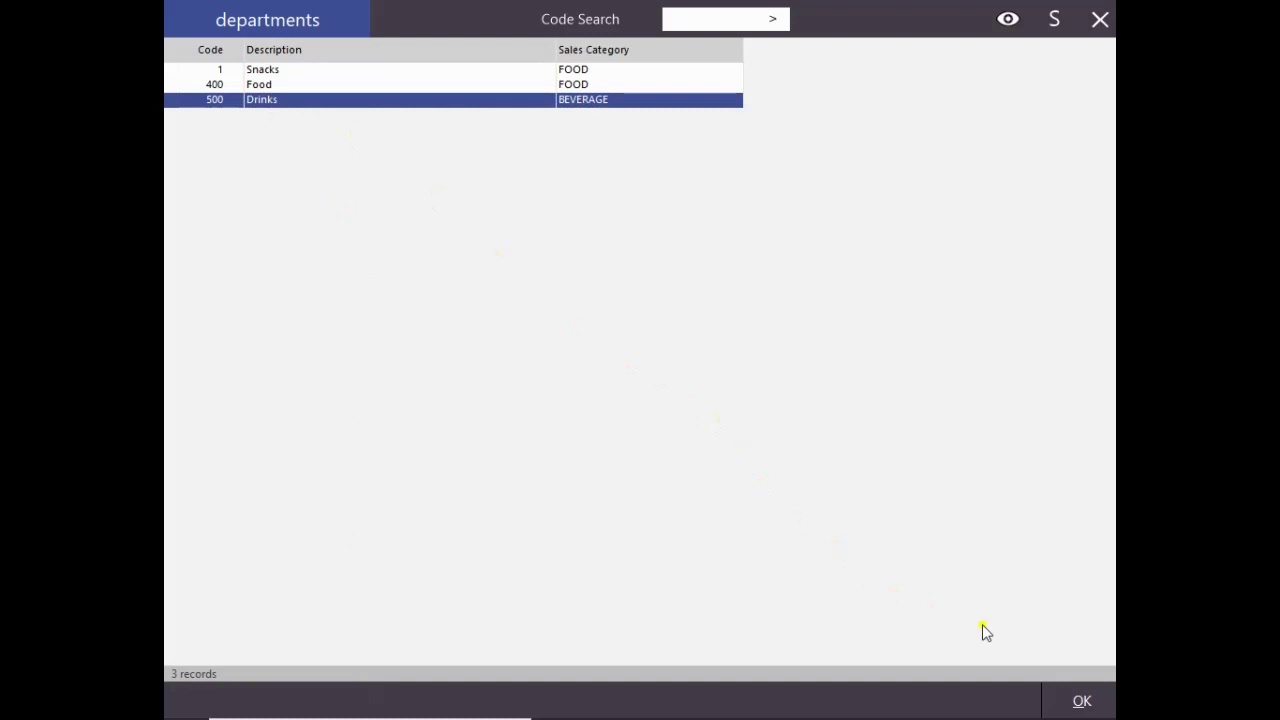
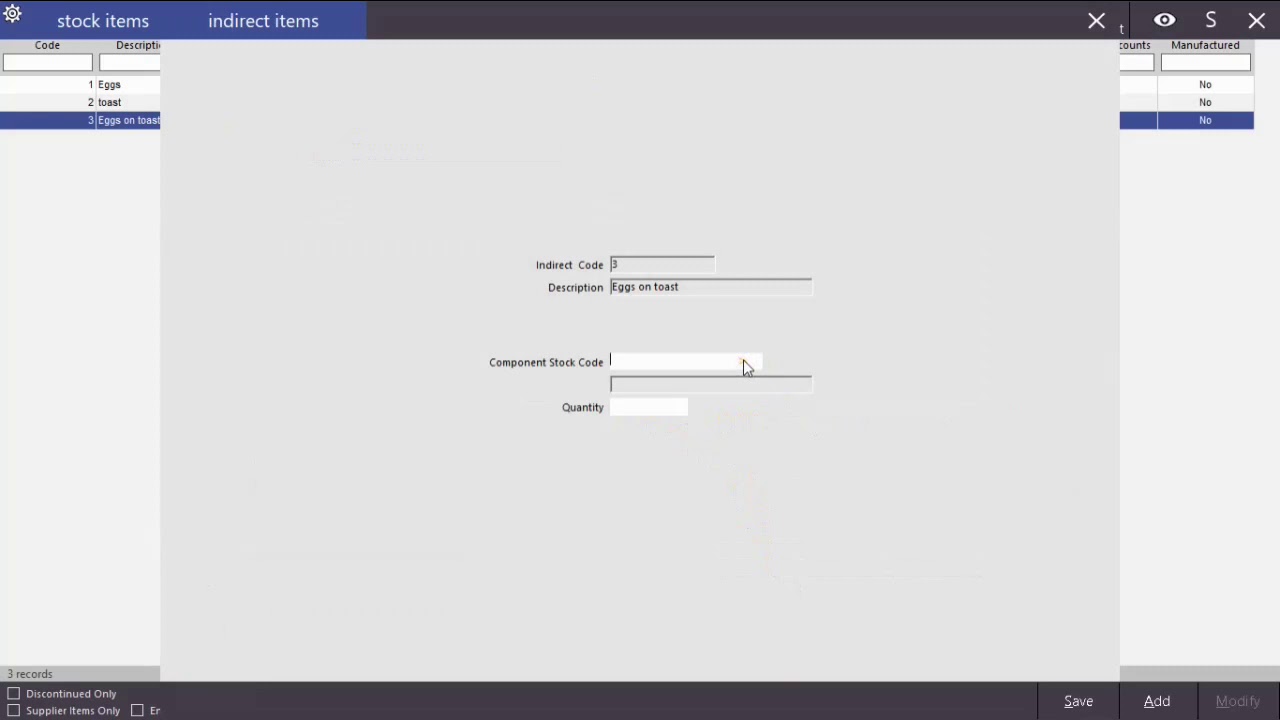
How to create indirect items in IdealPOS.
In the tutorial below we will show you how to turn a stock item into an indirect item, the purpose for this is to have a sale item that comprises of one or more stock controlled items.
Why Choose GETTECh
- Wide Selection of Equipment
- Affordable Prices
- Free delivery and setup on rentals
- Easy Rental Terms
- over 40 years of experience
- Industry Leading Brands
Call Us today
